

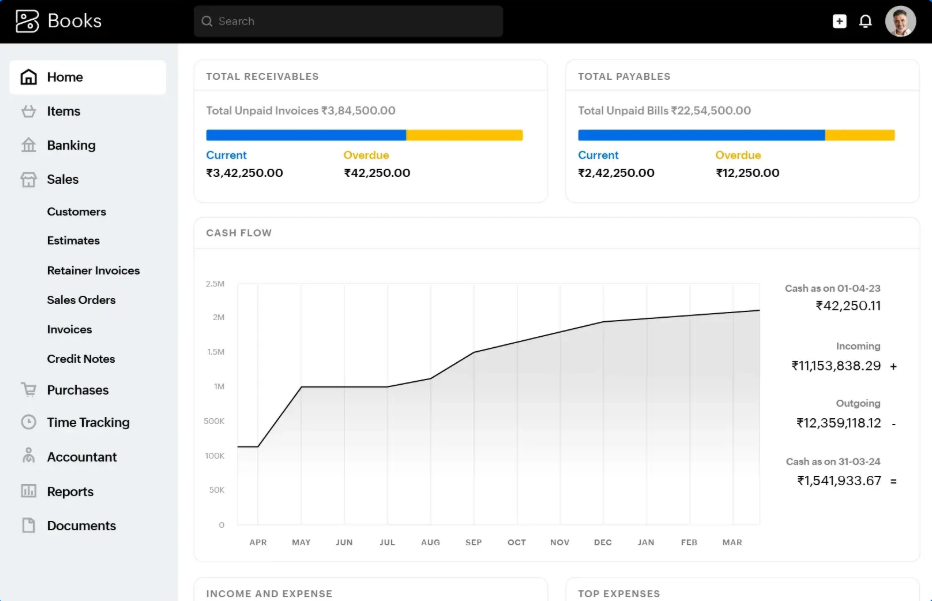
For high-volume retail businesses and supermarkets across Kerala, tax compliance can become a massive operational bottleneck. Manually logging into the national tax portal to generate an **IRN (Invoice Reference Number)** or **E-Way Bill** details for every large delivery slows down queues and hurts the customer experience.
Fortunately, by configuring **Zoho Books** with your official GST credentials, you can completely automate this workflow. When configured correctly by a certified integrator, your invoice checkout terminal can communicate directly with the government NIC portal via API, returning the required details and printing the mandatory QR code in under 3 seconds.
Steps to Enable GST E-Invoicing in Zoho Books
To establish a smooth e-invoicing link, follow these standard setup steps:
- Register on the Sandbox Portal: Set up an account on the GST Sandbox or GSP portal to retrieve your sandbox client credentials.
- Configure Zoho Books GST Settings: Enter your GSTIN, corporate details, and authenticate the connection within your Zoho Books Tax Settings.
- Map Custom Checkout Fields: Ensure fields like customer address, shipping distance, and HSN codes are mapped to prevent submission errors.
Automating E-Way Bills On-Site
Along with e-invoicing, Zoho Books allows you to trigger E-Way Bills directly from your billing dashboard. This is particularly useful for distributors in Kochi and Ernakulam sending out delivery vehicles. The system calculates the distance based on the PIN codes and generates the E-Way bill number automatically, saving your team hours of manual paperwork every day.
If you are looking for local assistance, SR Value provides certified configuration support in Ernakulam, calibrating your systems on-site so that cashiers can generate invoices without technical errors.
Transform Your Business Operations
Get in touch with SR Value's integration experts in Kerala for certified software configuration and hardware calibration.
Schedule a Demo